

Urgent · Laptop repair Hengelo
Water damage on your laptop? Turn it off now.
Coffee, tea or water on your laptop? Every minute counts. Turn it off right away, don't charge it and bring it in as soon as you can. We secure your files first. We speak English.
Do this now, before you come in
These first minutes decide how bad the damage gets.
- 1 Turn it off right away
Hold the power button until everything is off.
- 2 Unplug the charger, battery out
Cut the power, and take the battery out if you can.
- 3 Let the liquid run out
Tilt the laptop with the keyboard facing down.
- ✗ Don't turn it on or charge it
No hairdryer or rice either: that makes it worse.
- 5 Bring it in right away
Call on your way: +31 6 2657 2567. Every minute counts.
How we handle water damage
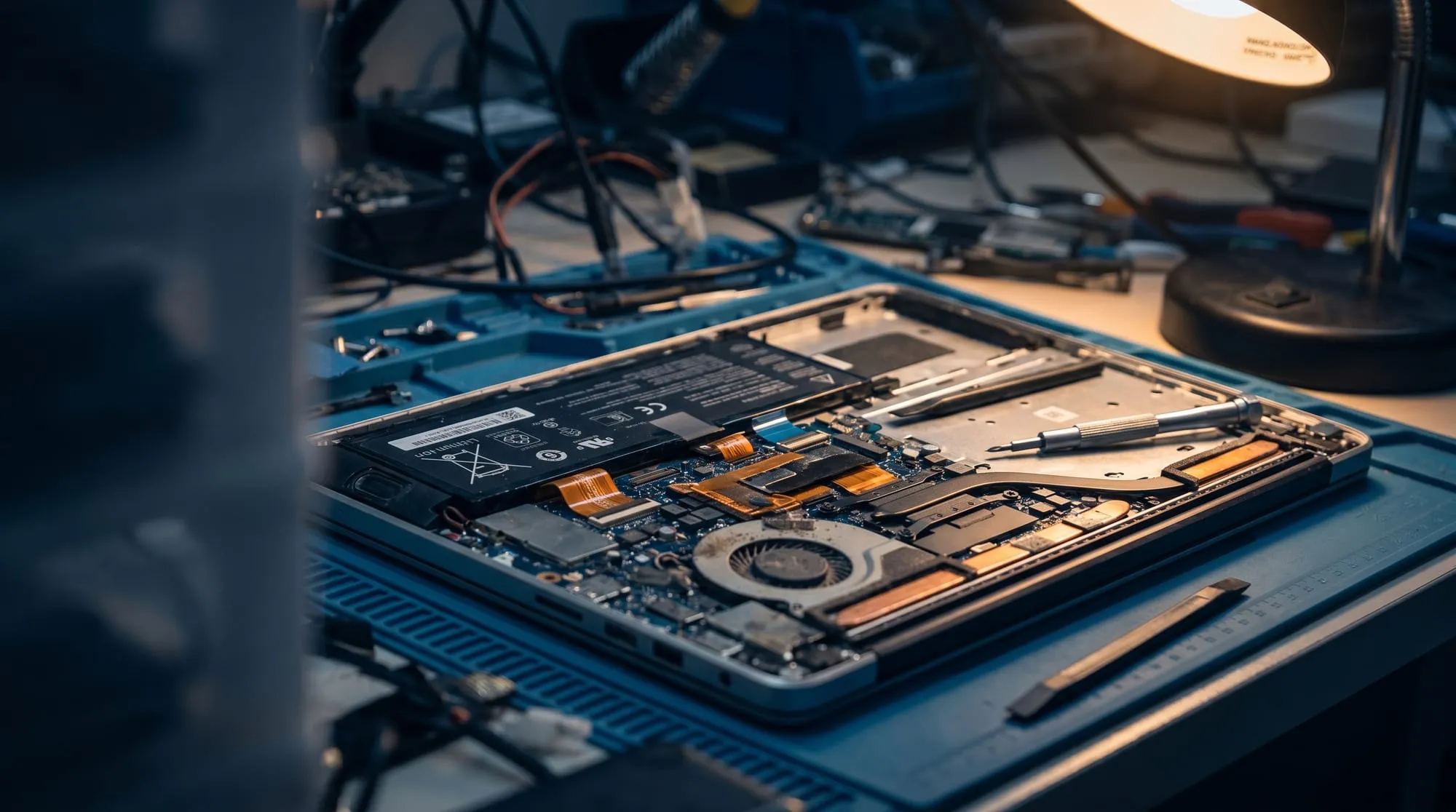
We don't follow a standard routine. We open the laptop and work from the inside out.
- 1 Diagnosis
We open the laptop and assess the damage from the inside.
- 2 Files first
Securing your data comes first, before any repair step.
- 3 Disassembly & cleaning
We carefully take the motherboard out and clean it by hand.
- 4 Testing & repair
We replace damaged parts and test the system under load.
- 5 Honest report
If a repair isn't worth it, we tell you. No cure, no pay.
What does it cost?
Diagnosis
We assess the damage and secure your files first.
Cleaning & repair
Disassembly, cleaning and repair: you get an honest quote first.
Parts
Only what really needs replacing, at a fixed price agreed in advance.
Repair not possible? Then no repair costs: no cure, no pay incl. VAT for consumers, businesses excl. VAT
Common questions about laptop water damage
Answers to what we hear most after a spill.
Turn the laptop off right away and unplug the charger. Can the battery come out? Take it out. Tilt the laptop so the liquid can run out, and above all, don't turn it back on.
No rice, no hairdryer: just bring it in as soon as possible.
Often, yes: the storage regularly survives a spill. Securing your files is the very first thing we do, before we start on the repair.
That's no guarantee, but acting fast improves the odds a lot.
That depends on the damage. After the diagnosis you get an honest quote. If we do the repair, the €60 diagnosis is credited against it.
If the repair doesn't work, you pay no repair costs: no cure, no pay. If you decide not to repair, you pay no repair costs either, only the €60 for the diagnostic work.
Honest answer: no. Sometimes the damage to the motherboard is too great. In that case we rescue what we can (your files first) and give you honest advice on the next steps.
Every minute counts. Call us now.
The sooner we get to it, the better the chance that your laptop and your files make it.